
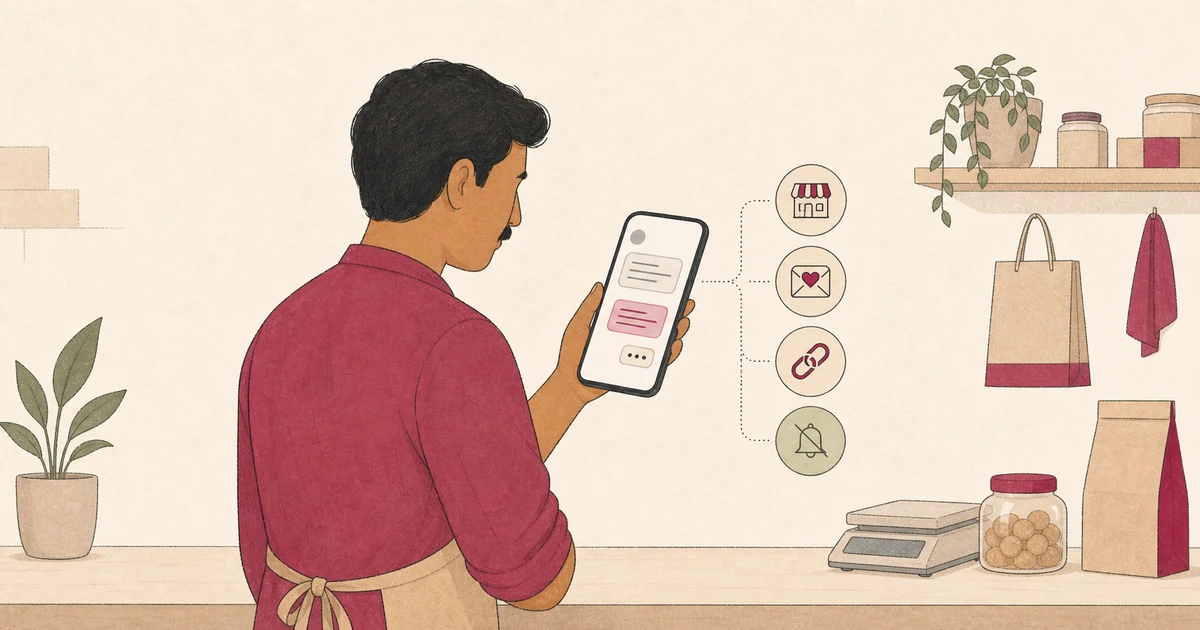
A WhatsApp review request is easy to send and easy to get wrong. A message that feels routine to a business can feel intrusive, leading, or demanding to a customer.
The answer is not a clever five-star script. It is a short, expected message that identifies the visit, invites an honest review, gives a direct link, and leaves the customer free to ignore it.
This guide gives Indian local businesses practical templates for common service moments. It also explains when to send them, what to remove, and how to keep each request fair.
Set the policy boundary before writing a message
Google allows businesses to ask customers for reviews based on genuine experiences. Its official instructions even list a WhatsApp message as one way to share a review link.
That permission has limits. Google's Maps content policy prohibits incentives, pressure, prescribed wording, and selective requests for positive reviews.
Do not send messages such as:
- “Give us five stars and get 10% off next time.”
- “Please mention your stylist by name.”
- “If you loved the visit, review us. If not, reply here.”
- “Post the review now and send us a screenshot.”
The customer controls the rating, words, timing, and decision to post. A request may make the path easier, but it must not decide the outcome.
WhatsApp adds a second boundary. Its current Business Messaging Policy says a business may contact people only after receiving their number and opt-in permission for subsequent messages or calls.
The policy also requires businesses to respect requests to stop or opt out. Treat these as operational requirements and have your own legal or privacy adviser check the exact consent process for your business.
A phone number collected for delivery or an appointment should not be treated as unlimited permission for unrelated messages. Make the review request expected, relevant to a completed experience, and easy to decline.
Choose a moment the customer can recognise
Send the request after the customer has received the service they can describe. The right moment depends on the business, not simply on when payment was collected.
A cafe can send it after a pickup order is handed over. A salon can send it after the appointment. A home-service team can wait until the customer confirms that the visit is complete.
Avoid sending during the experience while a staff member is watching. Google's policy warns businesses not to pressure customers to leave a rating or review on the premises.
One well-timed request is usually enough. Repeated reminders can turn an optional invitation into pressure and may surprise someone who did not expect continuing messages.
If you plan any reminder, decide the rule before sending the first request. Keep it limited, honour opt-outs, and do not escalate the language because the customer has not responded.
For a complaint or unresolved service issue, handle the issue because it needs attention. Do not make the remedy depend on a review, and do not ask for a revised rating in exchange for help.
Build every request from five simple parts
A reliable WhatsApp request needs five parts:
- Business identity: Say which business or branch is writing.
- Visit context: Refer to the completed service without exposing sensitive detail.
- Neutral invitation: Ask for an honest Google review, not a positive one.
- Direct link: Use the correct review link for that location.
- Easy exit: Make the request optional and respect a request to stop.
Google's review-link instructions explain how to copy the official link from a Business Profile. Test it from a phone that is not signed into the manager account.
Google notes that a customer must be signed in to a Google Account to leave a review. The account does not have to use a Gmail address, according to its review guidance.
Do not hide the destination behind vague wording. A customer should know that the link opens Google's public review flow before tapping it.
If you also offer private feedback, describe that option separately. Never collect a private score first and reveal the Google link only to customers who chose a high rating.
Adapt these WhatsApp templates to the service moment
Replace the bracketed details with accurate information. Do not add five-star language, a reward, or text the customer is expected to copy.
Cafe or takeaway order
Thank you for ordering from Saanvi Cafe, Indiranagar. If you would like to share your experience, you can leave an honest Google review here: [link]. Your rating and words are your choice.
The branch name helps a customer recognise the request. Avoid listing the order, bill amount, or phone number in the message unless that detail is genuinely needed and appropriate.
Salon appointment
Thank you for visiting Noor Salon today. If you choose to review your experience on Google, please use your own words: [link]. No reply or review is required.
This wording does not assume the customer liked the result. It also gives the customer room to ignore the message.
Home-service visit
Thank you for confirming that today's service visit is complete. You may share an honest Google review for Asha Home Services here: [link]. Please include only details you are comfortable making public.
For more context-specific safeguards, use Yeeto's home-service guidance when deciding what details should stay out of a public review.
Retail purchase or collection
Thank you for visiting Nila Stationery, Fort. If you would like to review your store experience, here is our Google link: [link]. Your feedback can be positive, critical, or mixed.
The final sentence signals that the request is not restricted to praise. Use the same invitation for eligible customers rather than asking staff to judge who seems satisfied.
Consultant or freelancer after delivery
Thank you for confirming receipt of the agreed work. If you wish, you can review your experience with Rao Design Studio on Google: [link]. Please share only what you are comfortable posting publicly.
Do not mention a confidential project, fee, or outcome. A broad service reference is enough to make the message recognisable.
Private feedback alongside a public option
Thank you for visiting Aruna Cafe. You can send feedback directly to our manager here: [private route]. If you independently choose to post a public Google review, this link is available to every customer: [Google link].
Keep both routes visible regardless of expected sentiment. Private feedback is a service channel, not a gate that controls who can reach Google.
Use prompts without scripting the review
Some customers hesitate because they do not know what to mention. A broad memory prompt can help, but it must not tell them what conclusion to reach.
Safe prompts include:
- What part of the visit stood out to you?
- Was the service explained clearly?
- What should another customer know about the experience?
- Is there anything we could improve?
Do not ask customers to include an employee name, a target phrase, or a specific service keyword. Google's policy expressly prohibits requesting specific content in solicited reviews.
A tool may help organise feedback supplied by the customer, but the customer must be able to edit or reject the draft and decide whether to copy or share it.
Yeeto's broader guide to asking for Google reviews responsibly explains this customer-control boundary in more detail.
Give staff one workflow instead of many scripts
A shared process reduces accidental pressure. Store one approved template for each genuine service moment and assign one person to maintain the links and wording.
For each branch, record:
- the business name shown in the message;
- the correct Google review link;
- the service event that makes the request appropriate;
- the channel permission or preference your process relies on;
- the person who handles replies and opt-outs; and
- the date the template and link were last tested.
Do not give staff a review quota. Google lists staff review targets as a form of prohibited rating manipulation when they create pressure or influence.
Test the complete journey from a normal customer phone. Confirm the link opens the intended branch, the message identifies the business, and an opt-out is recorded before another message can be sent.
For teams using the WhatsApp Business Platform rather than the app, review its template and timing requirements separately. Platform features and approval rules can change.
Remove common mistakes before sending
Use this final check:
- Does the customer recognise the business and completed experience?
- Was the message expected under your communication process?
- Does it ask for an honest review rather than a positive one?
- Is the correct branch link included?
- Is there no incentive, staff target, or prescribed wording?
- Can the customer ignore the request or ask you to stop?
- Is private feedback separate from the public review choice?
- Have you removed sensitive or unnecessary service details?
Also remove exaggerated promises. A WhatsApp request cannot guarantee review volume, ratings, local ranking, revenue, or reach.
Measure whether the workflow is being followed, not whether every customer posts. Check link accuracy, opt-out handling, and consistent access across customer groups.
Next step
Choose one completed service moment and write one neutral template for it. Test the branch link, confirm the message is expected, and train staff to send it without adding pressure.
Use a consistent Google review workflow as you expand. Keep every request tied to a real experience and every public-review choice in the customer's hands.
Yeeto Review App can give your business a branded feedback link to share in an appropriate WhatsApp follow-up. Customers provide the experience, edit their wording, and decide what they want to share.