
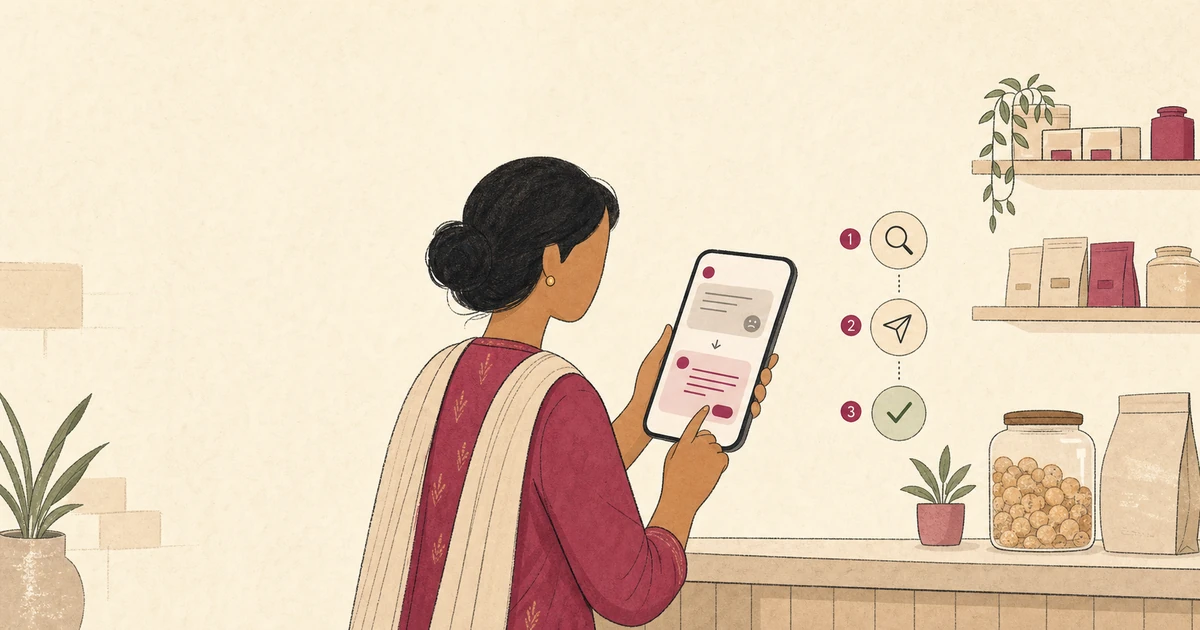
A negative Google review can feel urgent. The quickest reply, however, is rarely the most useful one. A defensive answer may reveal private details, deepen the disagreement, or make a small service problem look larger.
Indian local businesses need a repeatable way to respond without arguing or promising an outcome they cannot control.
This guide helps you check facts, write a calm public reply, move private details offline, and flag only content that may break Google’s rules.
Separate criticism from a policy violation
A low rating is not automatically a policy violation. Google says businesses should not report a review simply because they dislike or disagree with it.
A relevant negative experience may remain visible even when your team remembers events differently.
Start by sorting the review into one of two paths:
- Service feedback: The customer describes a late order, an unmet expectation, a communication gap, or another experience connected to your business.
- Possible policy violation: The content appears to include spam, harassment, personal information, an off-topic rant, impersonation, or another prohibited category.
Google’s Maps content policy allows respectful descriptions of negative experiences.
It separately prohibits content such as harassment, doxxing, certain personal information, and off-topic commentary.
Do not use the flag button as a substitute for a reply. If the review is relevant and does not clearly cross a policy line, handle the service issue. If it may violate policy, document the reason and use Google’s reporting process.
This distinction protects the reviewer’s right to describe a genuine experience. It also keeps your team focused on problems you can fix instead of chasing the removal of every critical comment.
Pause and check the facts privately
Do not reply while you are angry or while staff members still give conflicting accounts. Assign one person to gather the facts and draft the response.
Ask a second person to review complaints involving safety, health, money, or a named employee.
Check only the records you need. A restaurant might review the order ticket and dispatch time. A salon might check the appointment slot. A home-service business might confirm the promised arrival window and the work marked complete.
Keep those details inside the business. Google’s own review-reply guidance tells businesses not to share a reviewer’s private information or attack them personally.
That means your public reply should not reveal a phone number, address, bill amount, treatment, appointment history, membership status, or private message. Even a booking time can identify someone when combined with other details.
Do not write, “We have no customer by that name,” only because the Google display name does not match your records. A family member may have booked, paid, or posted.
Say that you cannot identify the visit from the public details and offer a private route to check.
Write a short internal note with:
- what the customer said;
- what your records confirm or do not confirm;
- what remedy, if any, your normal policy allows;
- who will handle the private follow-up; and
- whether the content appears to meet a Google reporting category.
Use a four-part public reply
A useful reply can be brief. Google recommends clear, polite, relevant responses and notes that long answers can overwhelm readers. Use four parts: acknowledge, clarify carefully, offer a private next step, and sign off.
1. Acknowledge the experience. Show that you understood the concern without declaring every disputed detail true.
Thank you for telling us about the delay. We understand why waiting beyond the promised time was frustrating.
2. State one useful fact or limit. Mention only information that helps a reader understand your process. Avoid a line-by-line rebuttal.
We are checking how the handover between our kitchen and delivery desk was recorded that evening.
3. Move account-specific details to a private channel. Give a monitored business email or phone number. Do not ask the customer to post their details publicly.
Please contact our manager at [business contact] so we can identify the order and follow up privately.
4. Add a real sign-off. A first name, role, or initials can make responsibility clear.
— Meera, Store Manager
Google says a reply is public, the reviewer is notified, and the reviewer can later change their review. Treat an update as the customer’s choice, not the goal of your message. Do not ask for a higher rating in the reply.
Adapt the method to common Indian business situations
The same structure works across local businesses, but the public details should change with the risk.
Restaurant with a late takeaway order
We are sorry the pickup took longer than the time shared with you. We are checking the handover for that service period. Please call our outlet manager at [number] with your order reference so we can follow up privately. — Rohan
The reply acknowledges the delay without publishing the order number, bill, phone number, or staff roster.
Salon with a result the customer disliked
Thank you for sharing this. We understand the result did not match what you expected. Please contact our salon manager at [number] so we can review the consultation and available next steps in private. — Anjali
Avoid describing the customer’s service history or posting before-and-after images. If a remedy is appropriate, discuss it privately and apply the same service-recovery policy you use outside Google.
Clinic facing a complaint about waiting time
We are sorry the wait caused frustration. We are reviewing our appointment flow for that period. To protect privacy, please contact our reception lead at [number] if you would like us to look into your visit. — Clinic Team
Do not confirm that the person is a patient. Never mention a condition, doctor, appointment date, prescription, or test in a public response.
Home-service business that cannot identify the job
We would like to understand what happened, but we cannot identify the visit from the public information here. Please email [address] with the booking reference so our service lead can check privately. — Support Team
This is more careful than accusing the reviewer of being fake. If the follow-up shows that the review is unrelated or deceptive, you can then assess it against Google’s policy.
Keep the customer in control
A response is an invitation to resolve an issue, not a negotiation over the rating. Do not offer a refund, discount, free service, or gift in exchange for editing or removing a review.
Google’s policy prohibits incentives tied to posting, revising, or removing a negative review.
A genuine remedy can still be appropriate after a business mistake, but it must not depend on what the customer does on Google.
Separate these two conversations:
- “We will correct the billing error because it was our error.”
- “You decide whether to keep, edit, or remove your review.”
Do not send the customer replacement wording to paste. Do not pressure them to post an update while a staff member watches. Do not delay a valid refund until the review changes.
If a customer voluntarily updates the review after the issue is resolved, let their words stand. Your public reply can remain short. Avoid adding a victory message that exposes what happened in the private conversation.
The same customer-control rule applies when you ask for future reviews.
Yeeto’s guide to asking for Google reviews responsibly explains neutral requests, QR codes, and the line between an invitation and manipulation.
Flag only content that may break policy
Some reviews need a platform report rather than a detailed reply. Review Google’s prohibited-content categories and record the exact category you believe applies. A feeling that a review is unfair is not enough.
Possible examples include a threat, doxxing, personal financial or medical information, clear impersonation, an unrelated political rant, repeated spam, or promotional solicitation. Context matters, and Google makes the removal decision.
Google’s current reporting instructions say to open your Business Profile, select Read reviews, choose the report option beside the review, select a reason, and submit it.
The Reviews Management Tool can show whether a decision is pending or whether Google found no violation. Google also describes a one-time appeal for eligible reviews after an initial decision.
Do not promise that a flagged review will disappear. Google says only policy-violating reviews are eligible for removal, and evaluation can take several days.
Keep your internal service review moving while the platform assessment is pending.
If a review contains a valid complaint and one policy concern, address the service issue privately while reporting the specific concern. Do not reply by repeating the harmful or personal information.
Run a simple weekly review workflow
Consistency matters more than a perfect phrase. A small business can use this weekly routine:
- Check new reviews for each location.
- Mark each one as feedback, possible violation, or already resolved.
- Assign a person and a response date.
- Verify the minimum facts needed for a useful reply.
- Remove private information and defensive language from the draft.
- Publish a short reply or submit a policy-based report.
- Record the underlying service issue for operational follow-up.
Set an internal target, but do not automate a reply without review. A template can provide structure; it should not invent an apology, a fact, a remedy, or a customer story.
For multiple branches, give each manager a shared rule: public replies acknowledge and direct; private conversations investigate and resolve. Escalate sensitive complaints before anyone posts from the business account.
Review old replies as well as new ones. Google allows businesses to edit or delete their replies. Correct an outdated contact route, remove unnecessary detail, and update a response if your first version was unclear.
Avoid the mistakes that enlarge a complaint
Before posting, remove these common patterns:
- sarcasm or a personal attack;
- a point-by-point public argument;
- private booking, payment, health, or contact details;
- “This never happened” without enough evidence;
- a promise that Google will remove the review;
- a discount tied to changing the rating;
- prescribed replacement wording; and
- a copy-paste response that ignores the concern.
Read the reply once as the customer and once as a future customer. It should show a fair process without turning the review page into a case file.
Next step
Create one response checklist and give one person ownership this week. Start with the oldest unanswered critical review, check the facts privately, and write a short reply using the four-part structure.
Then track the service issue in a consistent customer feedback process. This helps the team notice repeated delays, unclear promises, and handover gaps.
Yeeto Review App can help you invite customers to share feedback through a branded QR code or link.
Keep the boundary clear: the customer controls their words and sharing choice, while your team remains responsible for reviewing and responding with care.